Unlock a world of digital entertainment with a Razer Gold Gift Card.
It serves as a universal currency for gaming and beyond,
providing wallet credit for countless titles and services.
Spend your balance on popular PC and mobile games,
purchase in-game items, or access various entertainment apps.
Every transaction rewards you with Razer Silver loyalty points,
redeemable for exclusive perks and special offers.
This card is ideal for gifting or personal use,
offering a secure and convenient payment alternative.
It eliminates the need for direct credit card use online,
simplifying transactions across a global network of partners.
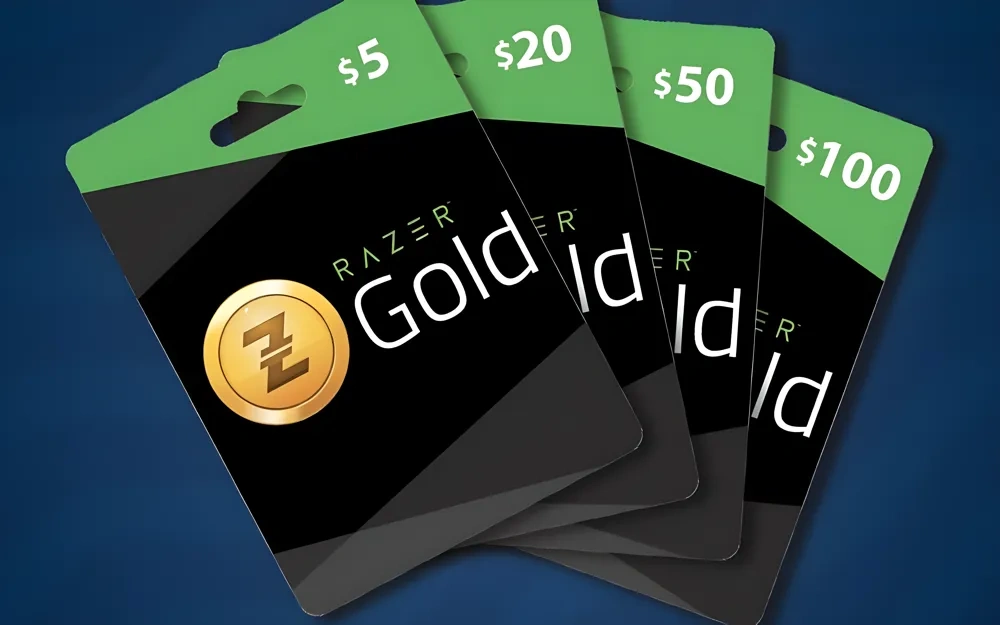
A Razer Gold gift card is a prepaid balance for digital entertainment, ideal for gamers and anyone who buys premium online content.
Once redeemed, the funds sit in your Razer Gold wallet and can be spent immediately.
Use cases:
Buy full games or spend on in-game items across thousands of titles (examples include PUBG Mobile, Genshin Impact, Mobile Legends, Call of Duty: Mobile, and League of Legends: Wild Rift).
Top up game credits, purchase skins, weapons, battle passes, DLCs, season passes, and character unlocks — whatever a specific game’s shop offers.
Pay for products from partnered publishers and platforms such as Bigo Live, Nexon, EA Play, and Nintendo, including exclusive bundles tied to those partnerships.
Subscribe to or pay for certain entertainment services (examples: premium dating features on Tinder, live MLB streaming, and music services like Spotify).
Benefits:
No need to link a bank card — convenient for gifting or for users who prefer prepaid payments.
Every qualifying purchase with Razer Gold earns Razer Silver, the platform’s loyalty currency; accrued Razer Silver can be exchanged for gaming gear, in-game credits, vouchers, and other rewards.
If you don’t plan to use the card yourself, you can sell it on trusted digital exchange platforms (for example, Prestmit), receiving payment in cash or cryptocurrencies like Bitcoin or USDT. Such exchanges often accept many other gift card types too (Amazon, Google Play, Apple, Steam, and more).
How to redeem a Razer Gold gift card:
Go to the official Razer Gold website.
Sign in with your Razer ID or create one if you don’t have an account.
From your dashboard select Reload (or Reload Now).
Choose the “Razer Gold PIN” option as your payment method.
Enter the 14-digit PIN from the gift card and double-check the digits.
Confirm to redeem — the amount will be added to your Razer Gold wallet instantly if the code is valid.
Spend the balance on supported games, in-game purchases, or partner platforms.
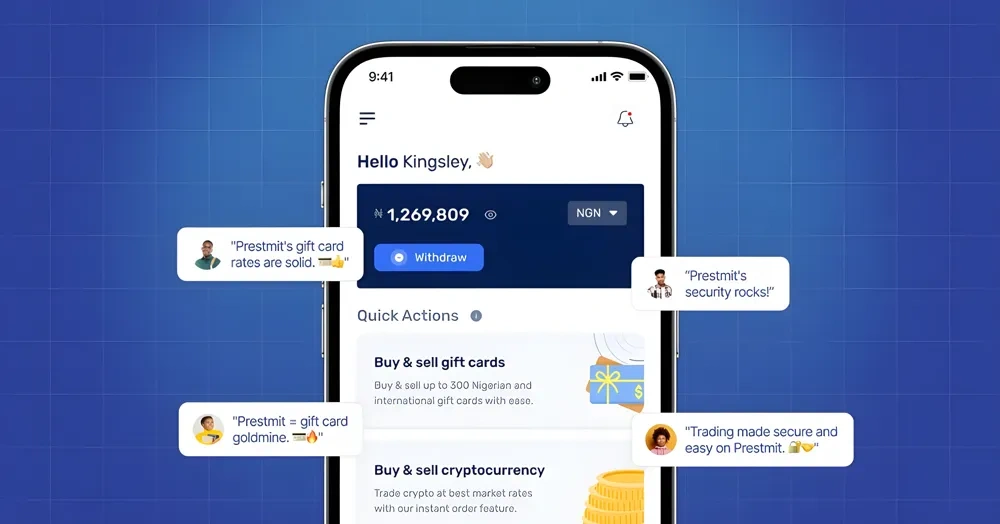
Want to convert a Razer Gold gift card into cash or crypto quickly? Use Prestmit — here’s a simple workflow to get paid fast:
1) Open prestmit.com or install the Prestmit app from Google Play or the App Store.
2) Sign up or sign in to your Prestmit account.
3) Go to the Gift Cards section and choose the option to sell a card.
4) Pick Razer Gold from the list of supported gift cards.
5) Specify the card value you’re selling and choose how you want to receive payment (naira, cedi, bitcoin, USDT, etc.).
6) Provide proof: upload a photo of the card or paste the code into the comments field as instructed.
7) Follow the on-screen prompts to submit the sale. Once Prestmit confirms the card, you’ll receive payment immediately.
Quick tip: always use Prestmit’s rate calculator before you sell so you know the current payout you’ll get.
What you can do with Razer Gold balance:
Buy full games and downloadable content.
Purchase in-game items, skins, passes, and character unlocks across thousands of titles (examples include PUBG Mobile, Genshin Impact, Mobile Legends).
Pay for in-app purchases and subscription services available through Razer’s partner network (examples: some EA, Nintendo services, streaming or entertainment apps).
How to redeem on Razer Gold:
- Visit the official Razer Gold site, sign in, and redeem your card to add funds to your Razer Gold wallet. Then spend the balance on games or partner services.
Rewards:
- Each time you spend Razer Gold you earn Razer Silver — a loyalty currency that can be exchanged for gaming accessories, digital content, and other perks.
Who should consider selling?
- Gamers who won’t use the card, anyone wanting quick access to cash or crypto, or people looking to swap digital credit for real-world value.
Ready to cash out? Head to the Prestmit website or app, check the rate, and sell your Razer Gold card in minutes.
What is Steam Wallet Code (BRL)?
Steam Wallet Code is a digital code that enables users to add funds directly to their Steam account, making it easier to purchase games, software, and other digital content on the Steam platform.
These codes can be obtained through top-up services on popular game trading platforms such as OffGamers, SEAGM, and G2A.
Once redeemed, Steam Wallet Code allows gamers to buy anything available in the Steam store, including DLCs and in-game items, offering flexibility for personal use or gifting to friends.
Why LootBar.gg is the best choice for buying Steam Wallet Code?
If you are looking to top up your Steam Wallet, you might want to consider the lootbar game trading platform. This platform stands out by offering a remarkably smooth and secure purchasing experience, backed by a variety of trusted global payment methods and robust encryption to protect every transaction.
Furthermore, lootbar.gg ensures that your Steam Wallet Code is delivered instantly after purchase, allowing you to dive into your favorite games without delay. The platform also features exclusive special deals and round-the-clock customer support, making your entire top-up process both rewarding and hassle-free.
How to buy Steam Wallet Code (BRL) on LootBar?
To purchase a Steam Gift Card on the LootBar trading platform, begin by navigating to the official website at lootbar.gg. After selecting your desired language and currency, log into your account to access all features. Once logged in, locate the Gift Card section from the homepage menu and choose Steam Gift Card (BRL) from the list of available options. You will then be prompted to select the device type for which you wish to use the card—choose between console, PC, or all devices according to your needs.
Once you have made your selection, click the 'Top-Up Now' button to proceed. The website will guide you to the payment page, where you can pick your preferred method of payment from several options provided. Complete your transaction by clicking 'Pay Now', after which your purchase will be processed. Shortly afterward, you will receive your Steam Gift Card code, ready to be redeemed on your Steam account for instant credit.
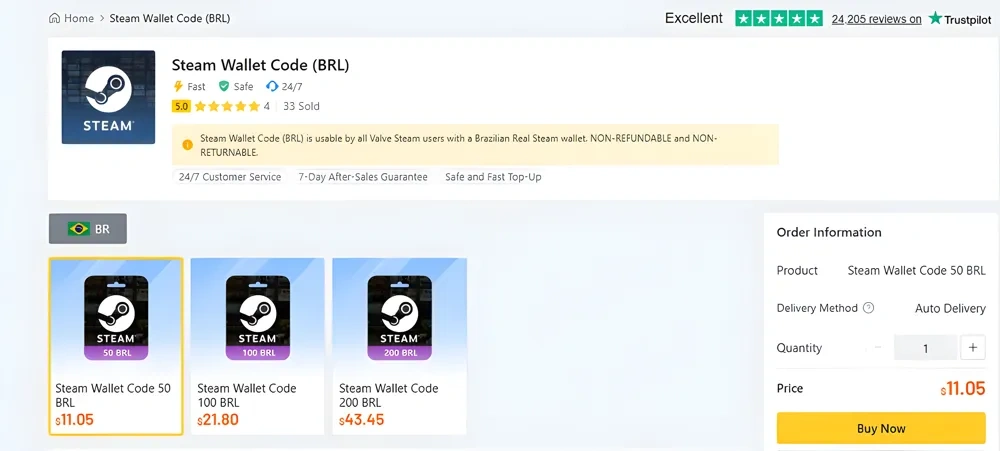
What is the best Gaming Top-Up Platform?
As a trusted choice for gaming top-up, LootBar offers both top speed and affordability. The platform has earned a reputation as the best platform for gaming recharge, supported by outstanding customer feedback—4.9/5.0 on Trustpilot.